Add your own inbox folders, and choose which folders Filently leaves alone
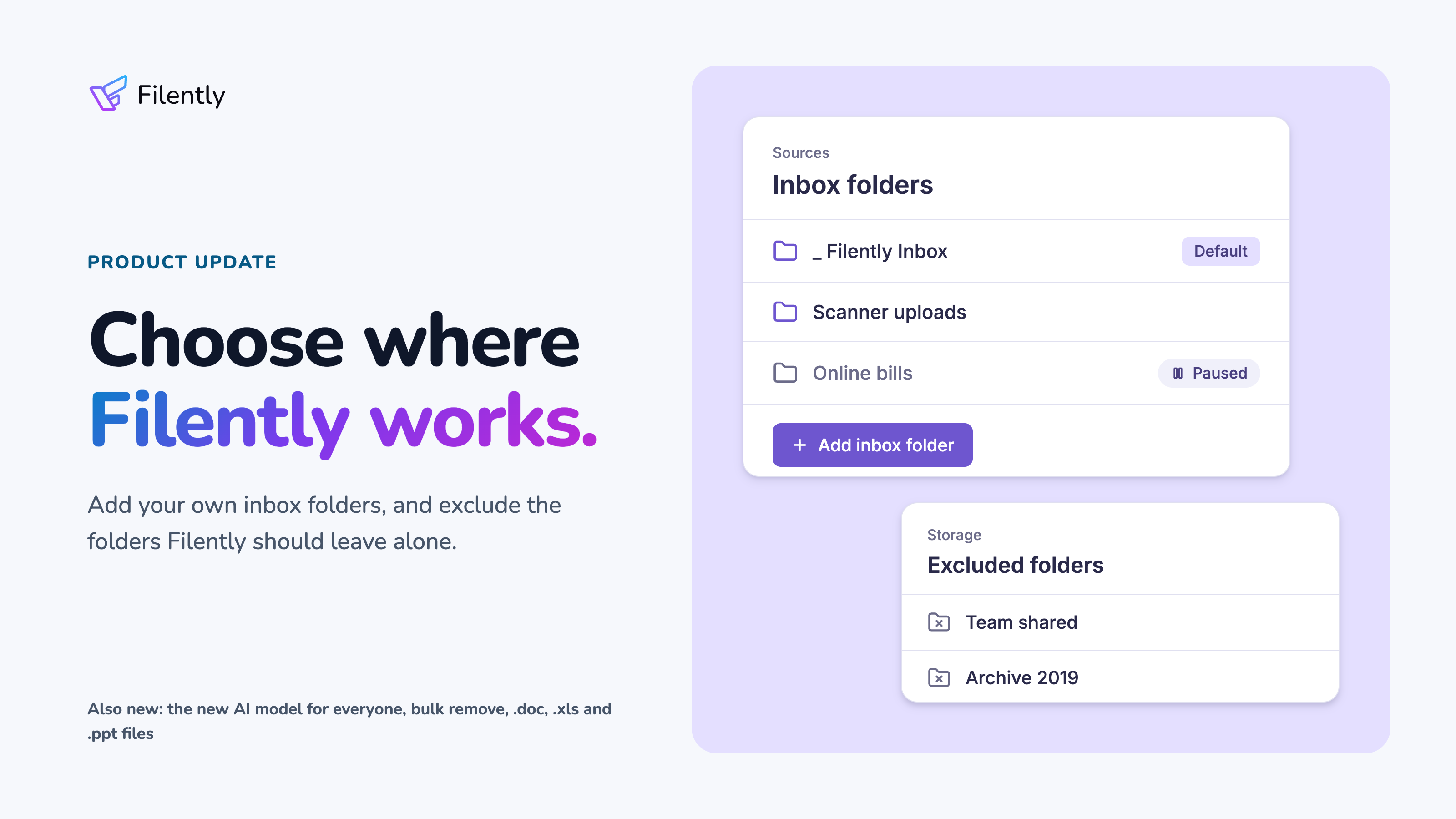
This update is about where Filently works in your Google Drive. You can now add more inbox folders, and exclude folders Filently should stay out of. Also new: the AI model from our last update now files for everyone, older Office files are read in full, and you can remove many documents at once.
Where Filently Works
Add more inbox folders
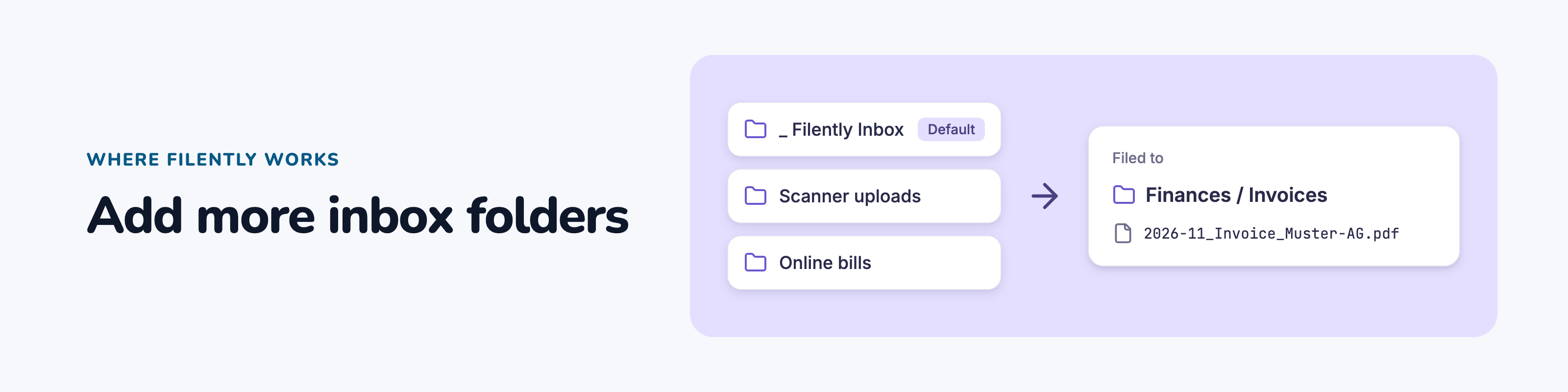
Do you have folders that fill up on their own, for example the folder your scanner or scanner app saves to, or one a service fills with your invoices? You can now add them as inbox folders on the Sources page. Filently then files their new files, just like the ones in _ Filently Inbox.
Personal includes 1 extra inbox folder. Professional, Founding Member and the free trial include 9. Inbox Folder Watching
Exclude folders
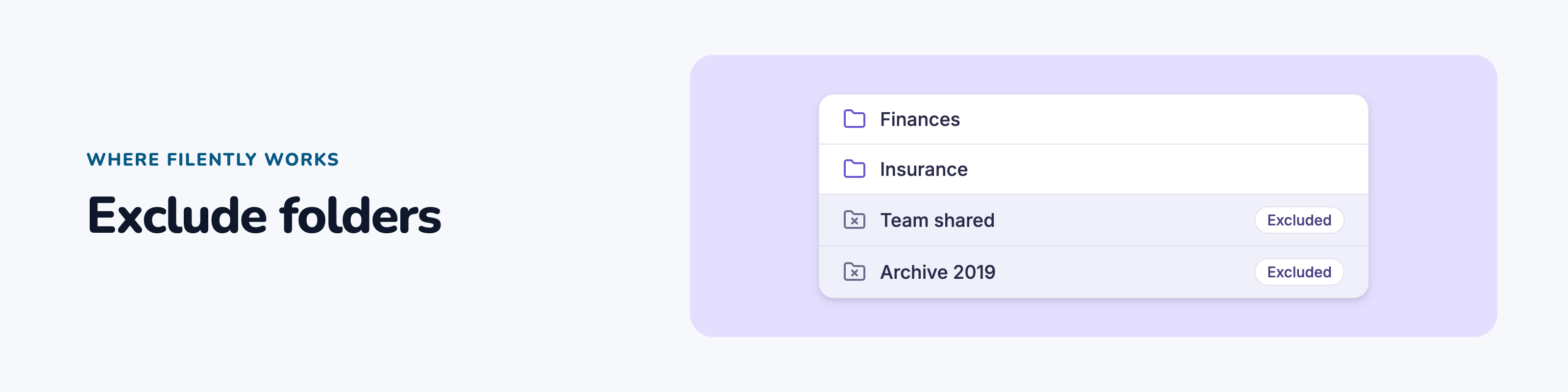
A folder you share with your team, an old archive: some folders in your filing location should stay untouched. You can now exclude them on the Storage page. Filently then never files into them or suggests them, and your files there stay exactly as they are. Available on every plan. Excluding Folders
New Features
The new AI model now files for everyone
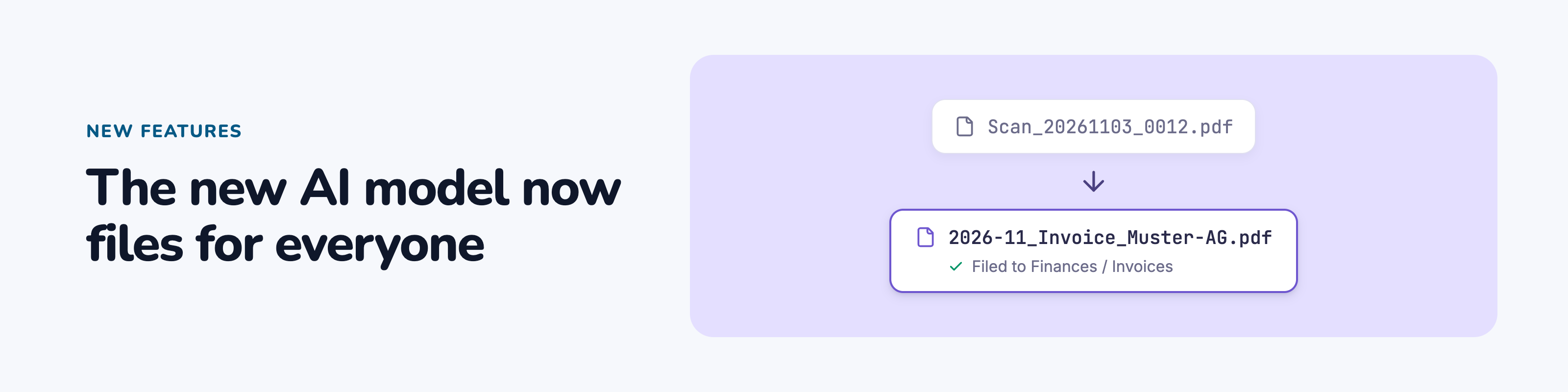
The AI model we started rolling out in our last update now files the documents of every account. You get its shorter, cleaner file names and faster filing without doing anything.
Remove many documents at once
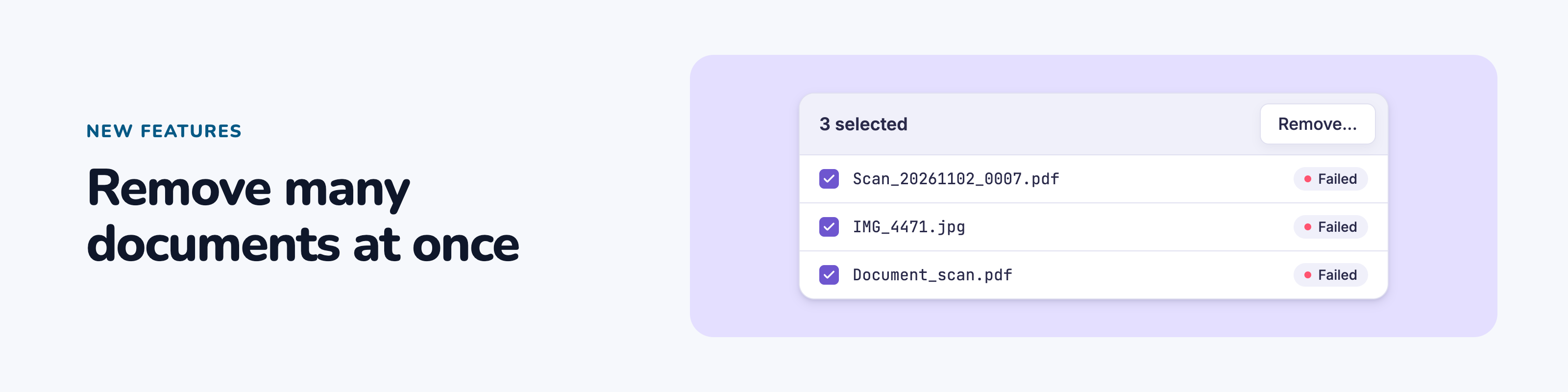
Select documents on the dashboard and choose Remove... in the selection bar, also for documents waiting for your review. Larger removals run in the background with a progress bar. To clean up failed documents, filter by Failed and remove them all at once. Filing and Moving Many Documents at Once
Older Word, Excel and PowerPoint files
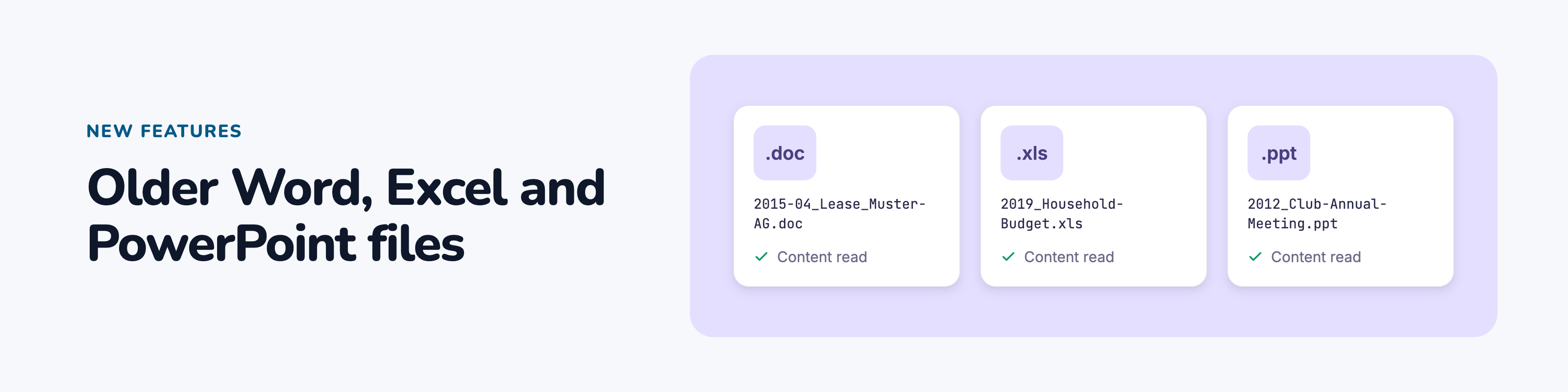
Filently now reads the content of .doc, .xls and .ppt files, so it names and files them by what is inside, not only by their filename.
Changing your filing location
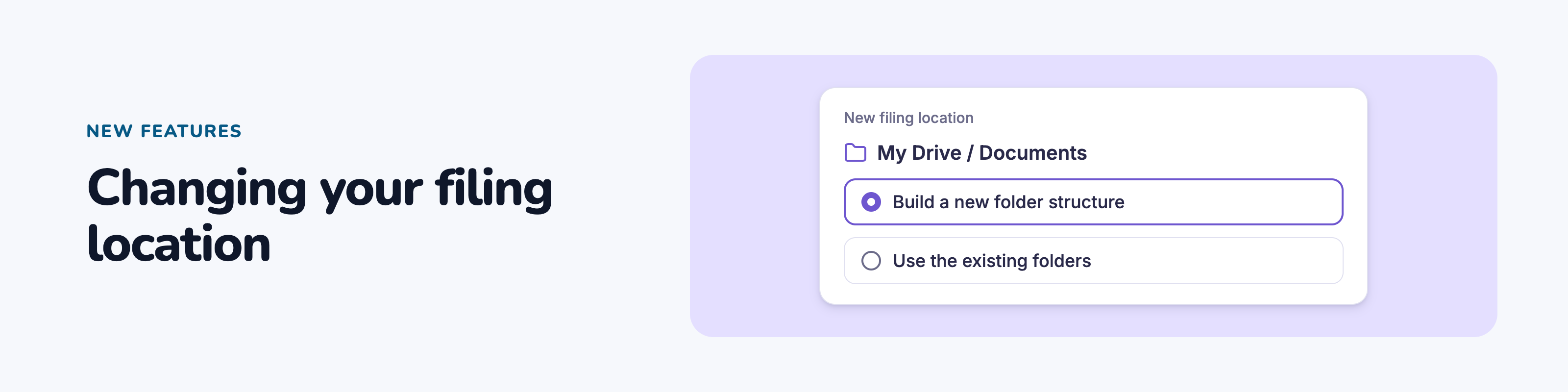
When you change your filing location, Filently now offers the same choices as during setup, including building a new folder structure. Documents waiting for your review get new suggestions for the new location. Managing Your Storage Connection
Bug Fixes
Folder names in a different spelling: Filently sometimes created a folder such as "invoices" next to your existing "Invoices". It now uses the folder you already have.
Files in the Google Drive trash: accepting a suggestion for a trashed file now also takes it out of the trash.
Restricted Google accounts: if your Workspace administrator or Google restricts Filently's access, Filently now tells you why and what to do.